
用 Soutine 开始创作 — 把想法变成画面,再让它动起来。
从提示词或参考图开始,选择适合任务的模型,在一个工作台完成生成、编辑与动态创作。
从一个灵感开始
Prompt examples
See Nano Banana edits, input to result
Browse real before-and-after examples from the All-Prompt collection.
 Input
Input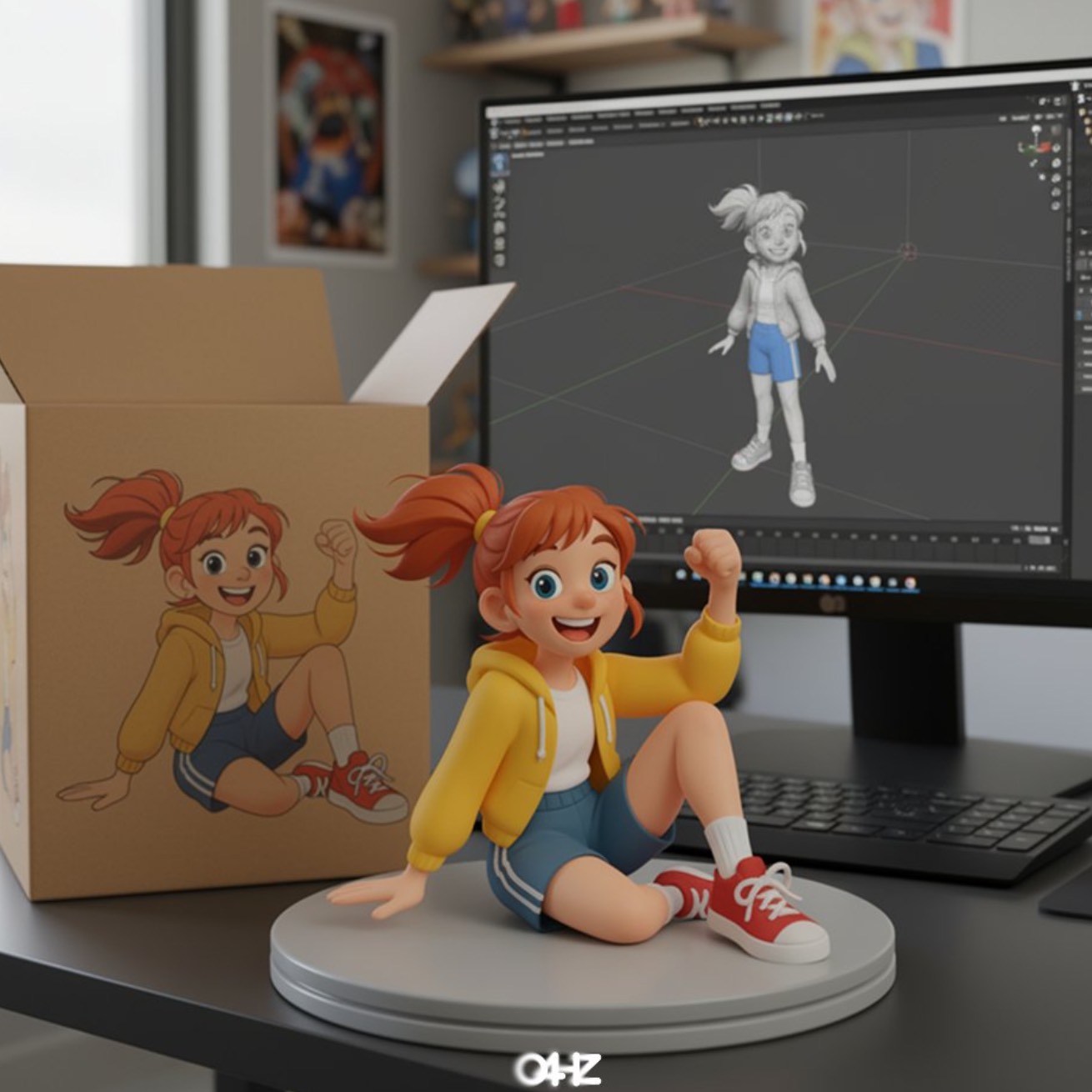 Result
Illustration to Figure
A source illustration transformed into a collectible character figure scene.
Prompt
turn this photo into a character figure. Behind it, place a box with the character's image printed on it, and a computer showing the Blender modeling process on its screen. In front of the box, add a round plastic base with the character figure standing on it. set the scene indoors if possible
视觉方向预览
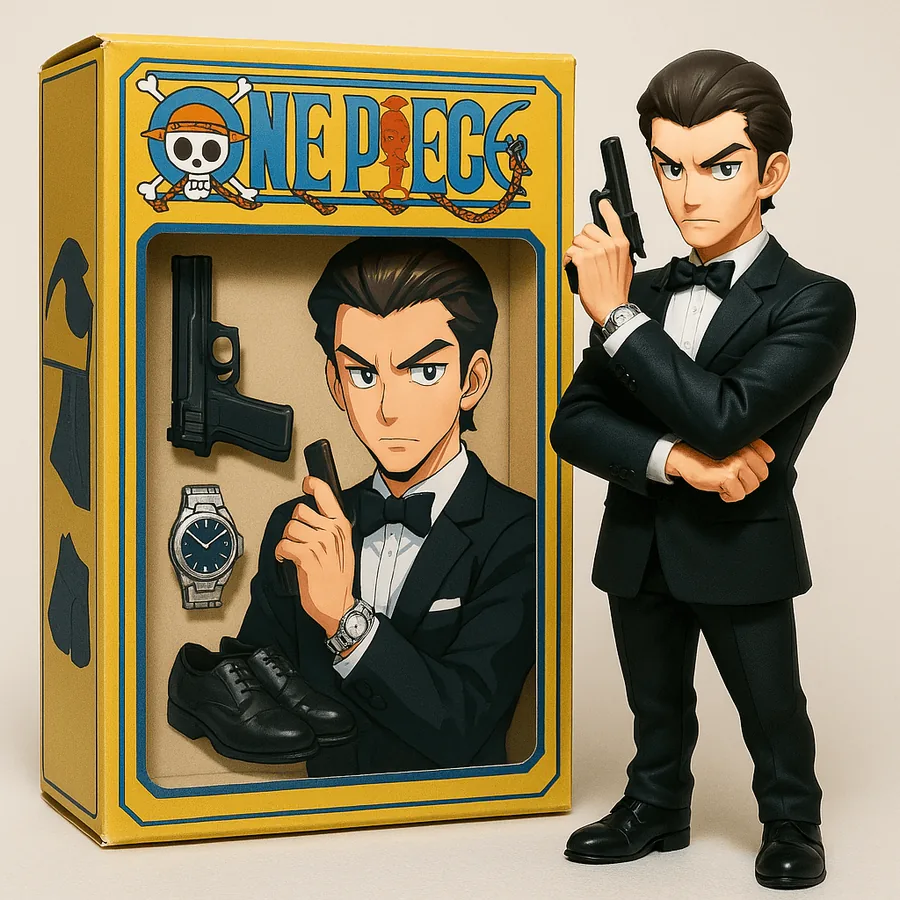
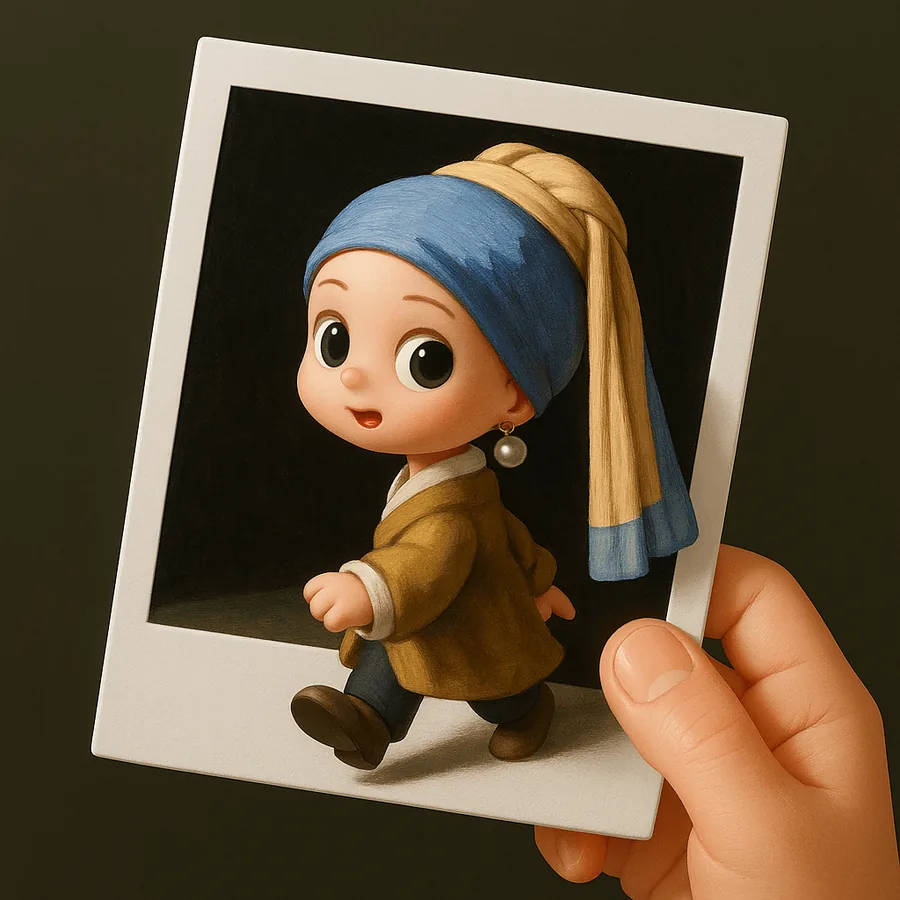
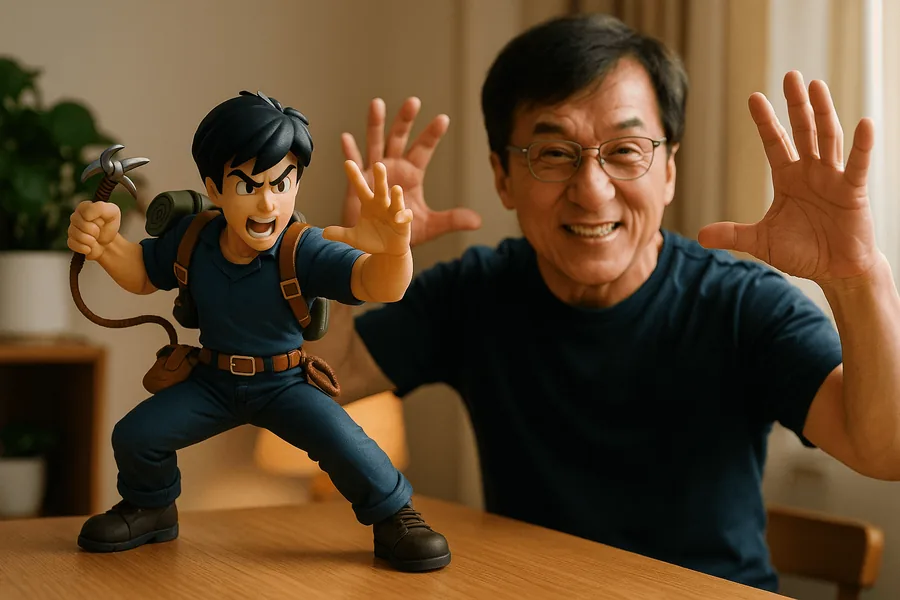
一个工作台,多种视觉方向
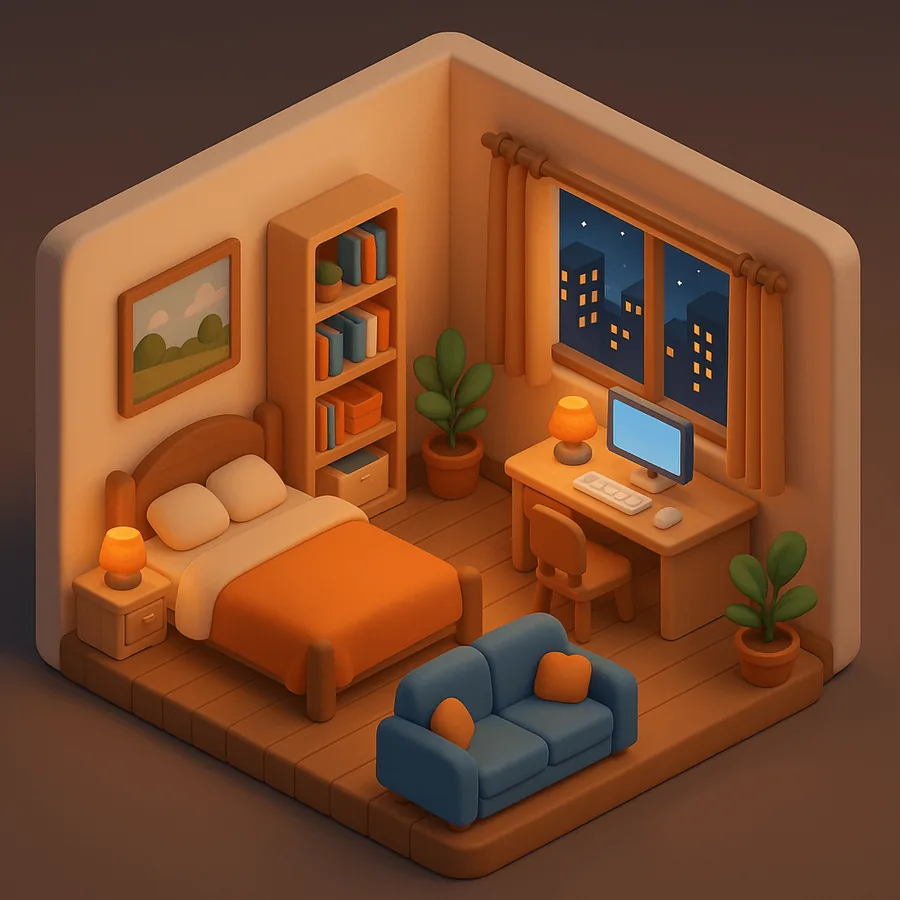
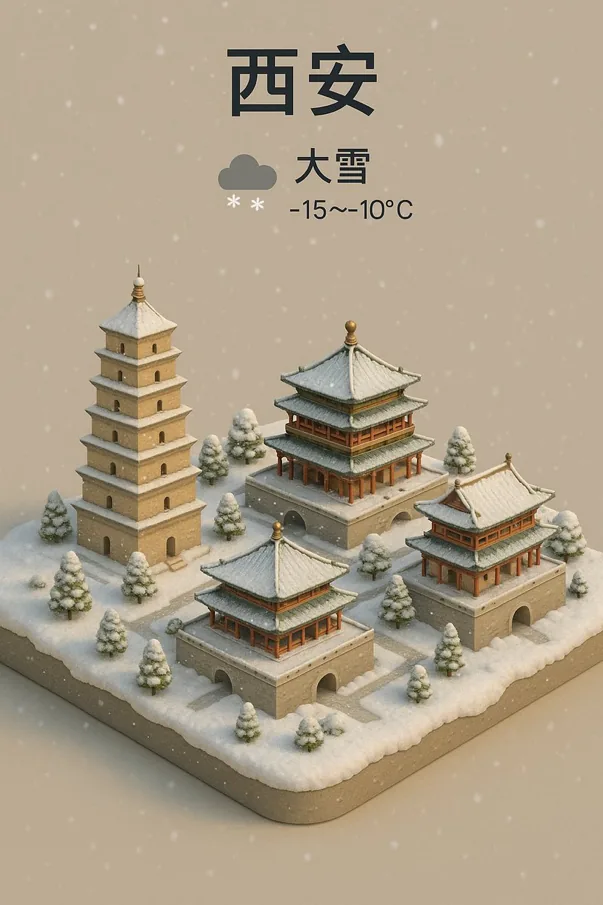
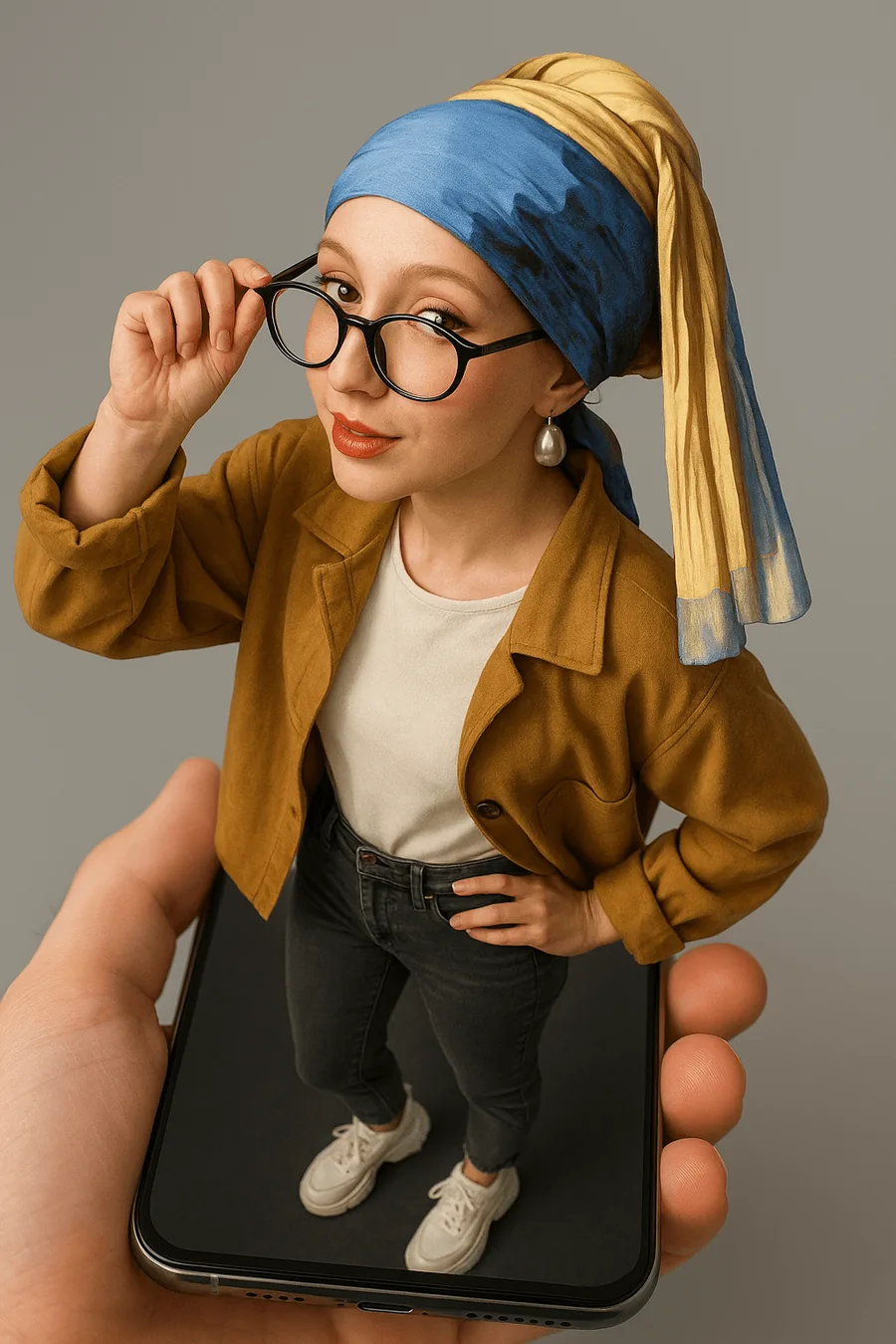
浏览图片与动态灵感,做出第一帧,再进入对应的 Soutine 工作流继续把它做成自己的作品。

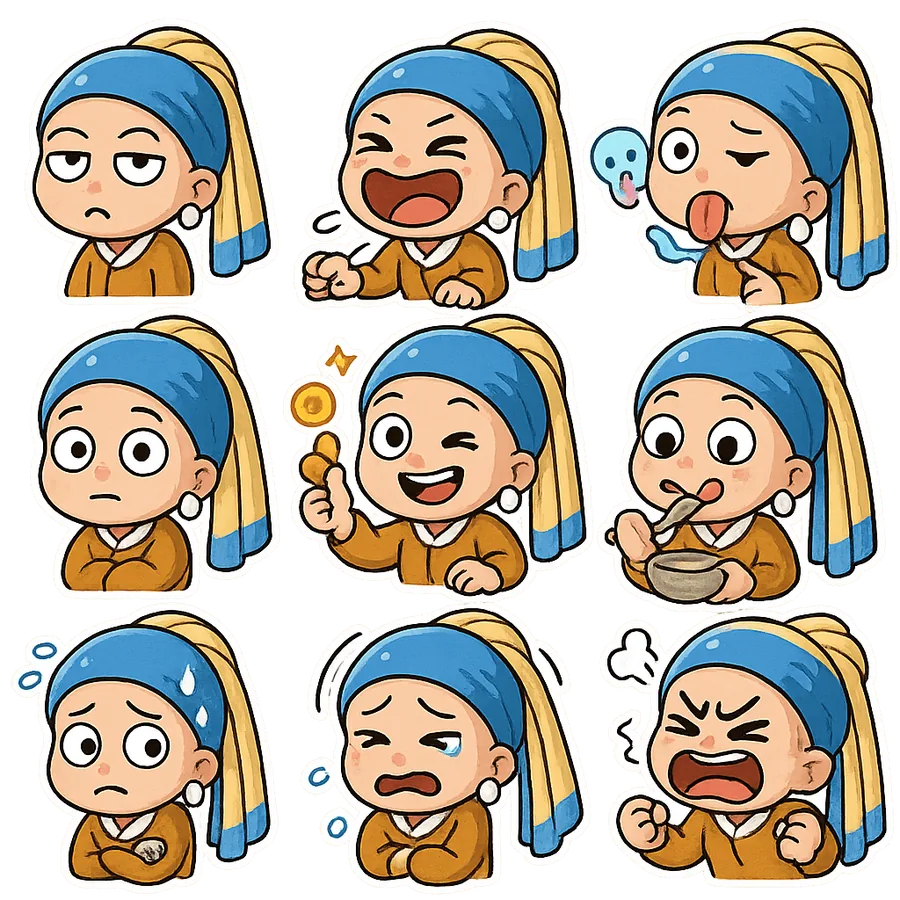
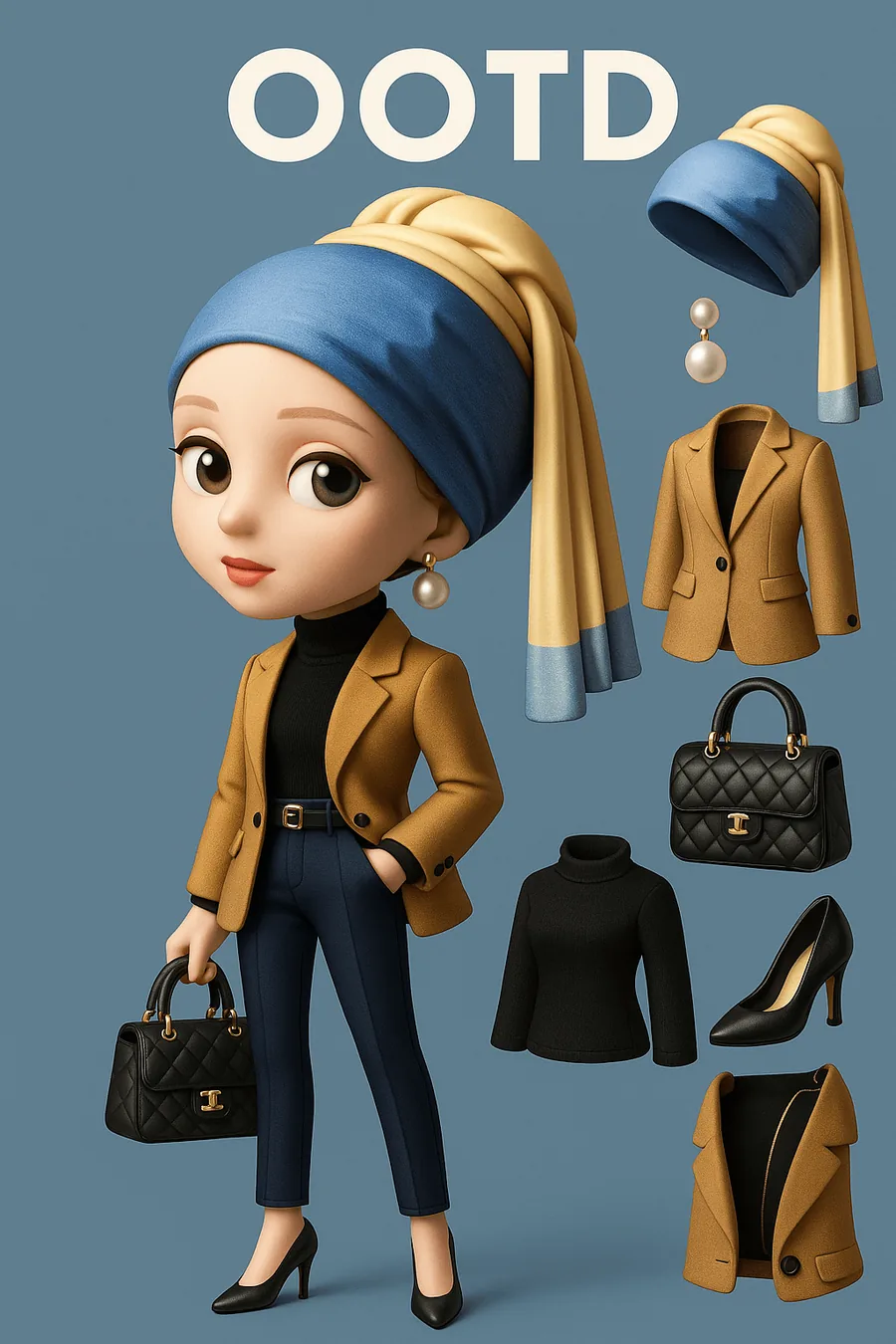
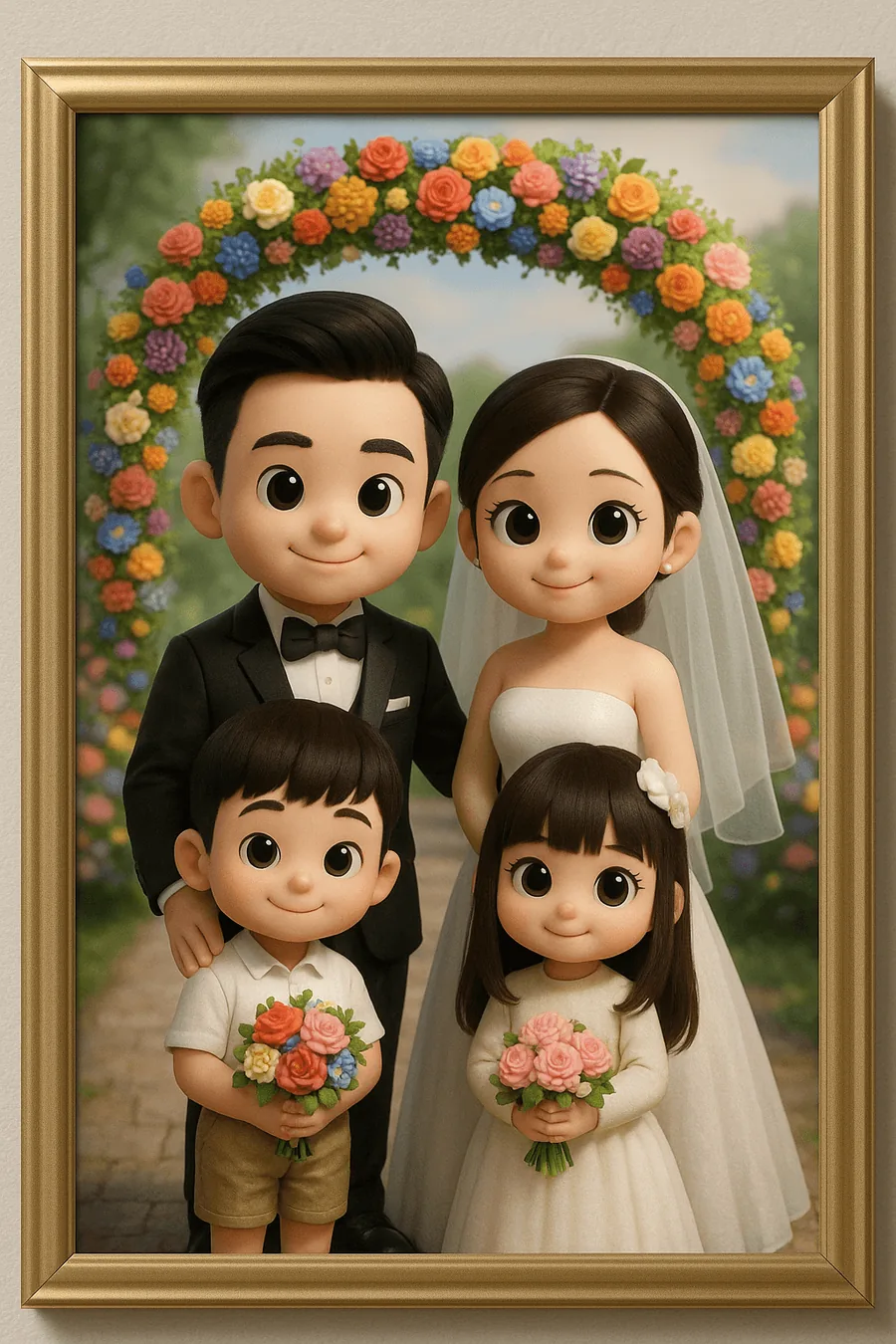



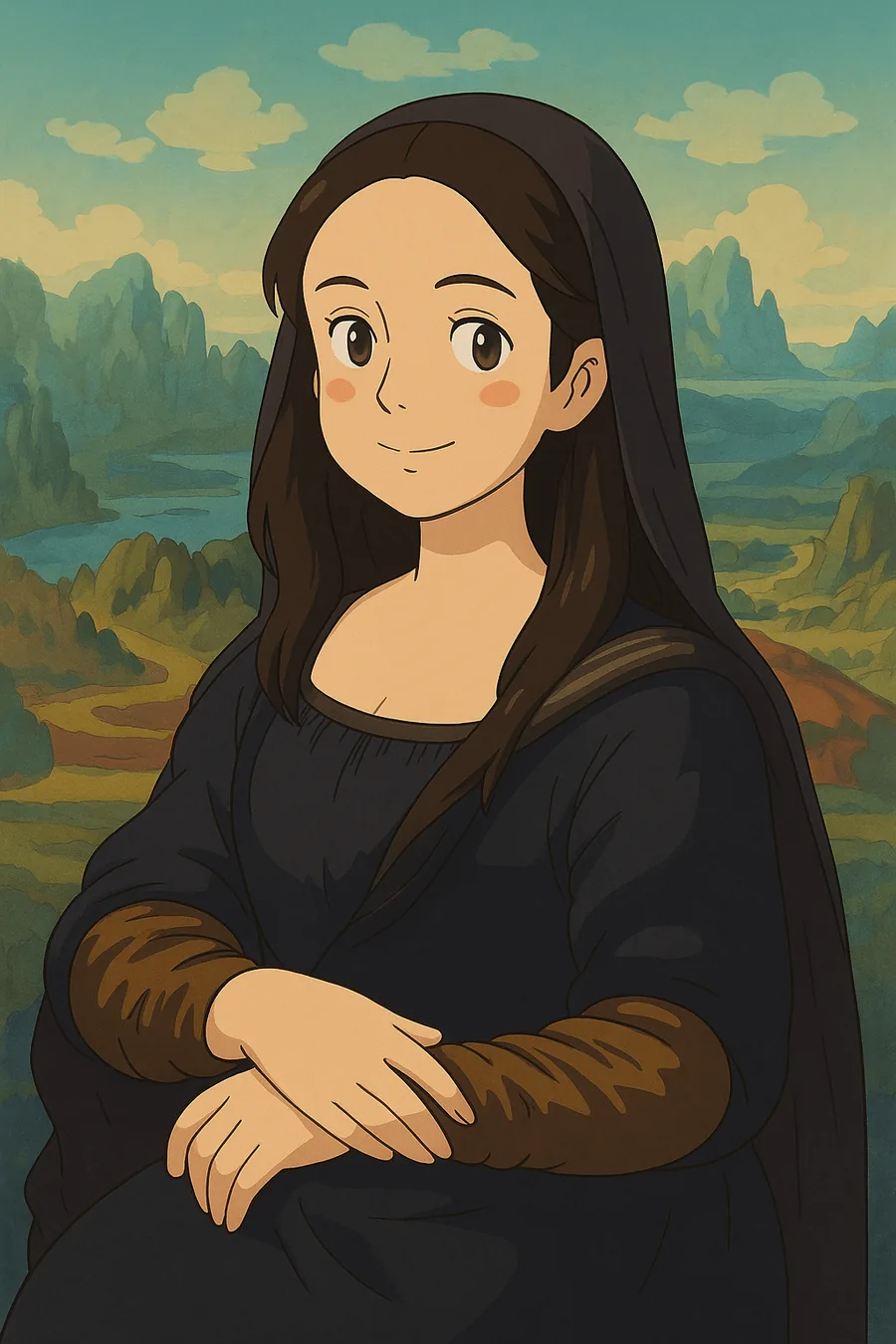



SOUTINE 工作流
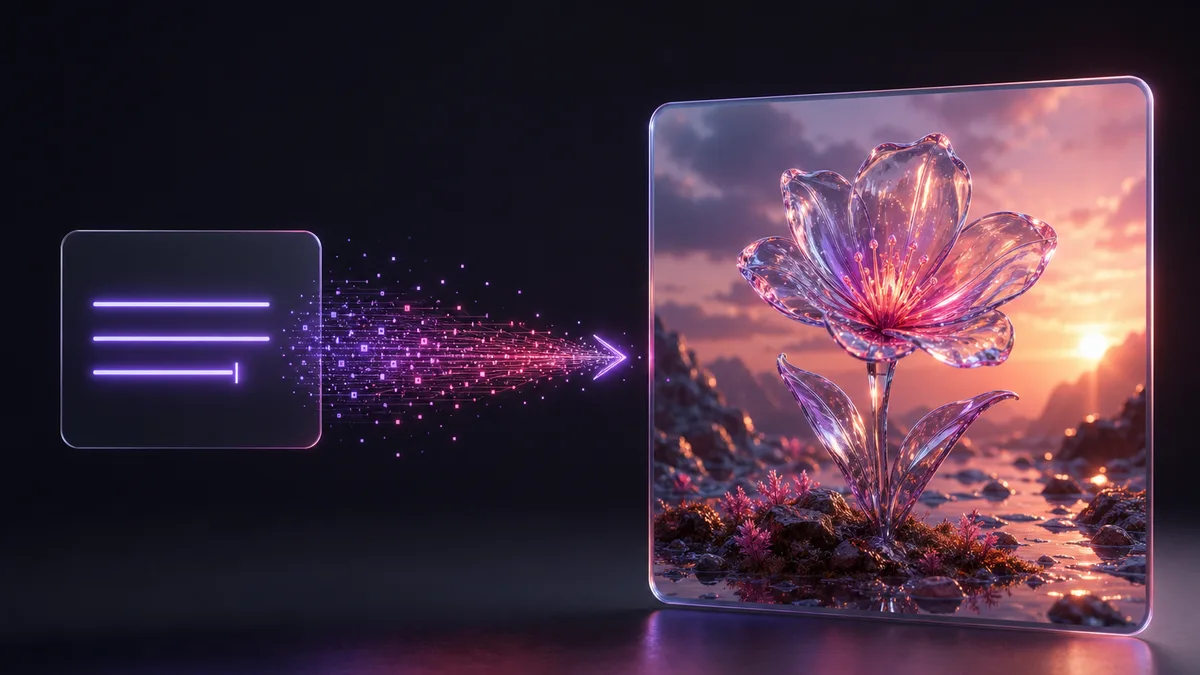
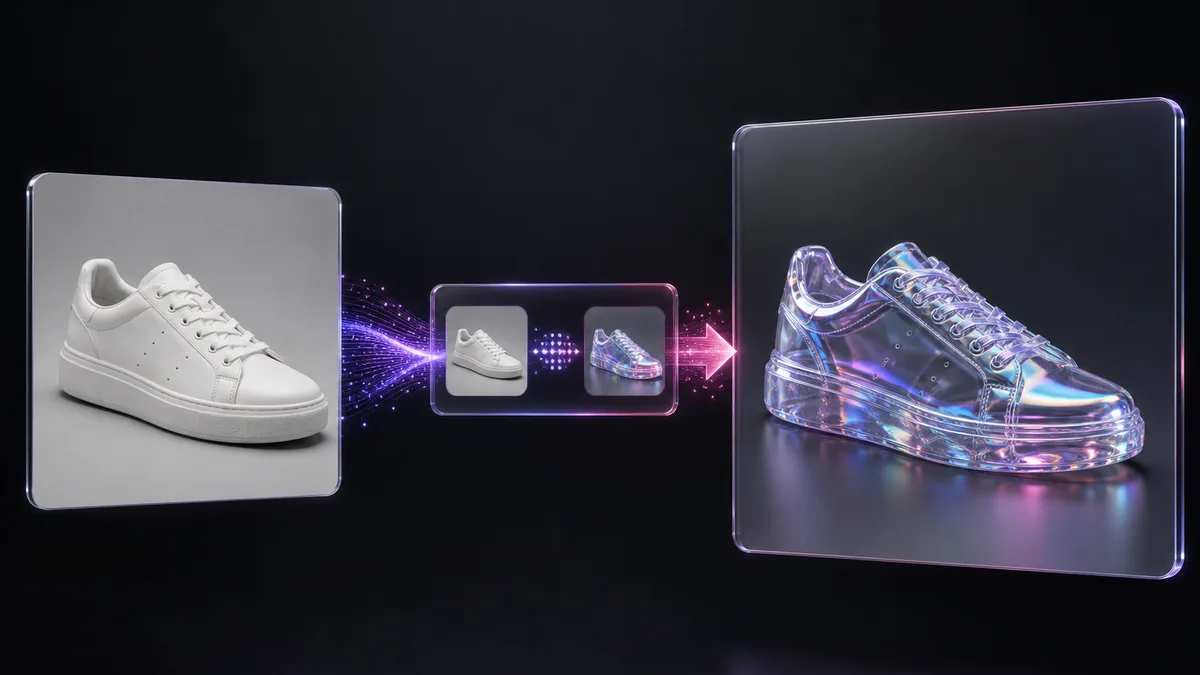
从提示词、参考图或已有画面开始
不同工作流共享模型、积分与任务记录,让你从图片自然衔接到动态创作,无需重新开始。


使用方式
从一个想法,到第一帧,再到下一个镜头
Soutine 保持操作聚焦,并展示当前任务可用的模型。
01
描述或上传
输入你想创作的内容;当所选模型支持时,也可以添加一张或多张参考图片。
02
为任务选择模型
从当前工作流可用的兼容模型中选择。Soutine 会根据所选模型更新参数和图片数量限制。
03
生成并继续创作
创建任务,在统一记录中查看进度,然后下载、继续编辑、放大,或用结果开启相关工作流。
价格
生成图片、视频、音乐与配音。免费开始,随时升级,随时取消。
常见问题
开始创作前,你可能想了解这些
关于模型、上传、积分和任务记录的关键信息。
从第一帧开始
先做出第一帧,再用 Soutine 把它继续做下去。
用提示词或参考图开始,选择当前可用的模型,在一个工作台继续创作。当前注册赠送活动开启时,可获得 6 个注册积分。
每个任务的兼容模型 统一工作台任务记录 开始使用无需银行卡