
Create with Soutine — Frame the idea. Make it move.
Start with a prompt or reference image, choose a model for the task, and keep creating across image and motion in one workspace.
Start with an idea
Prompt examples
See Nano Banana edits, input to result
Browse real before-and-after examples from the All-Prompt collection.
 Input
Input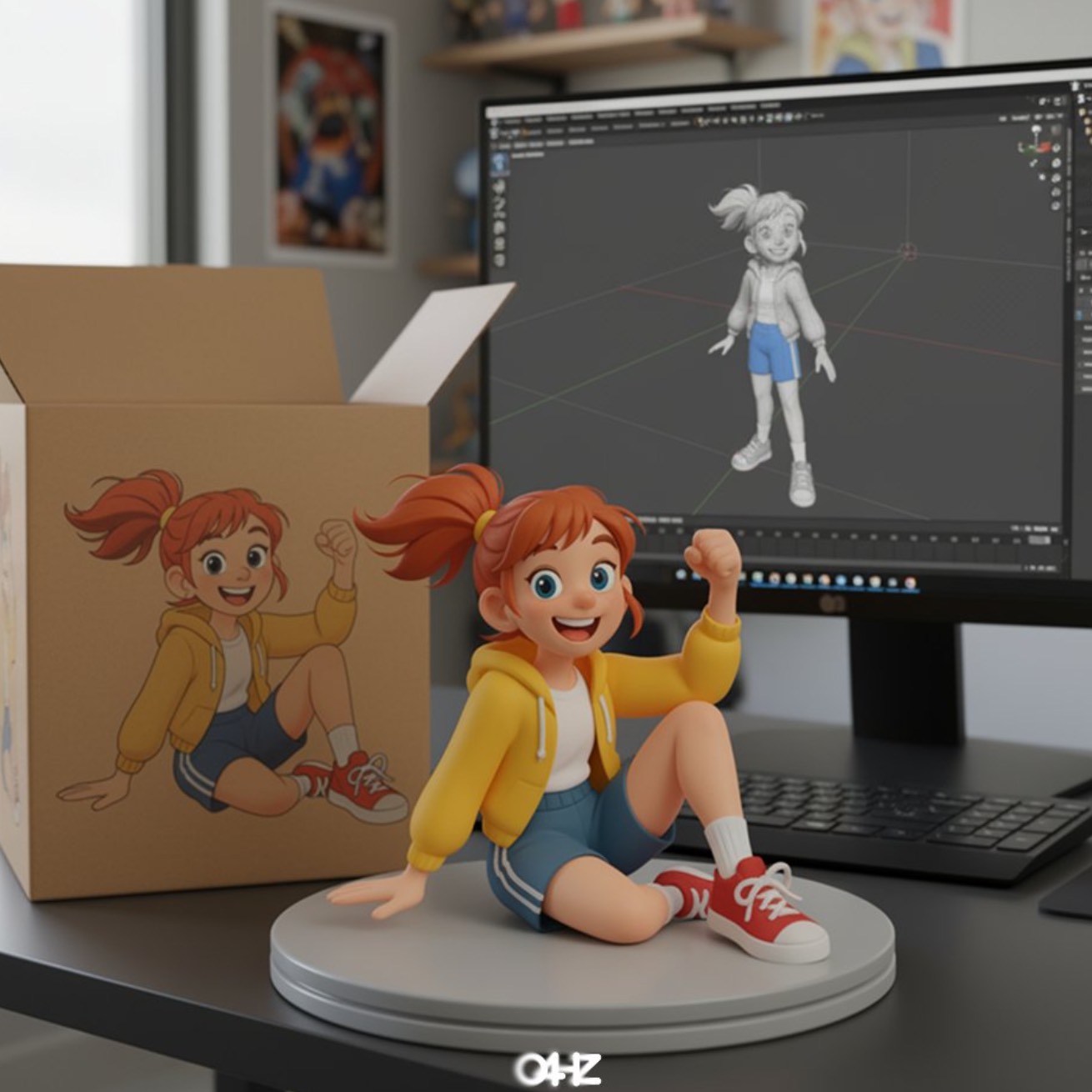 Result
Illustration to Figure
A source illustration transformed into a collectible character figure scene.
Prompt
turn this photo into a character figure. Behind it, place a box with the character's image printed on it, and a computer showing the Blender modeling process on its screen. In front of the box, add a round plastic base with the character figure standing on it. set the scene indoors if possible
VISUAL DIRECTIONS
One workspace, many visual directions
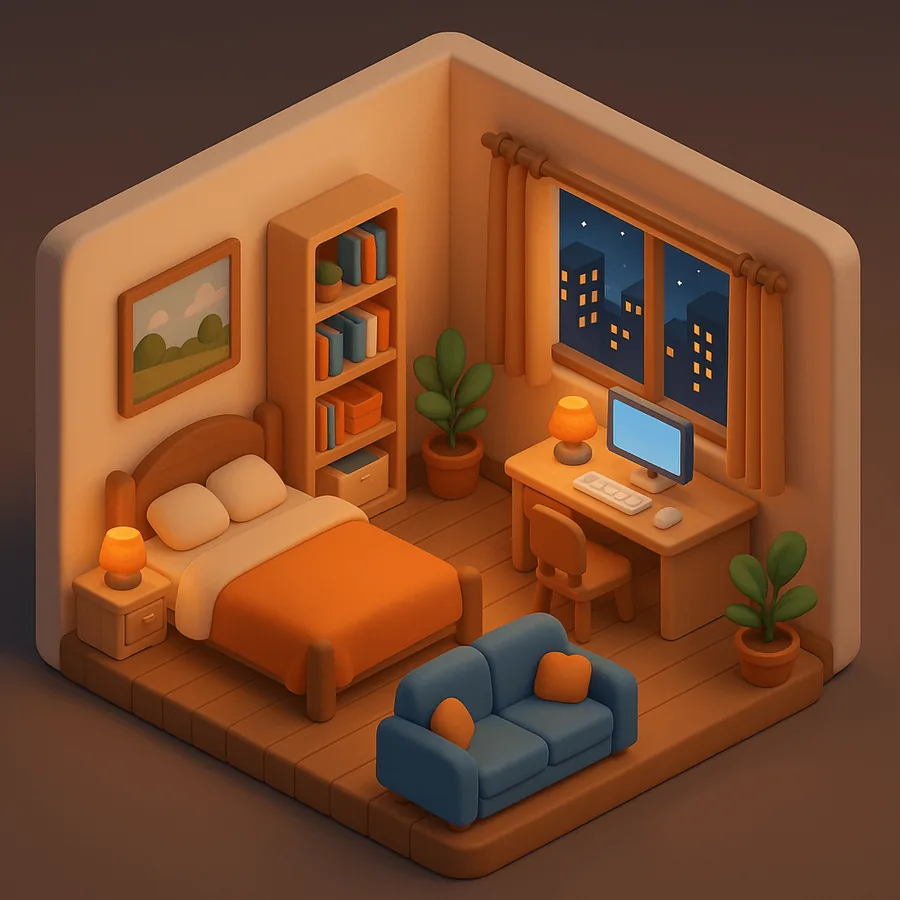
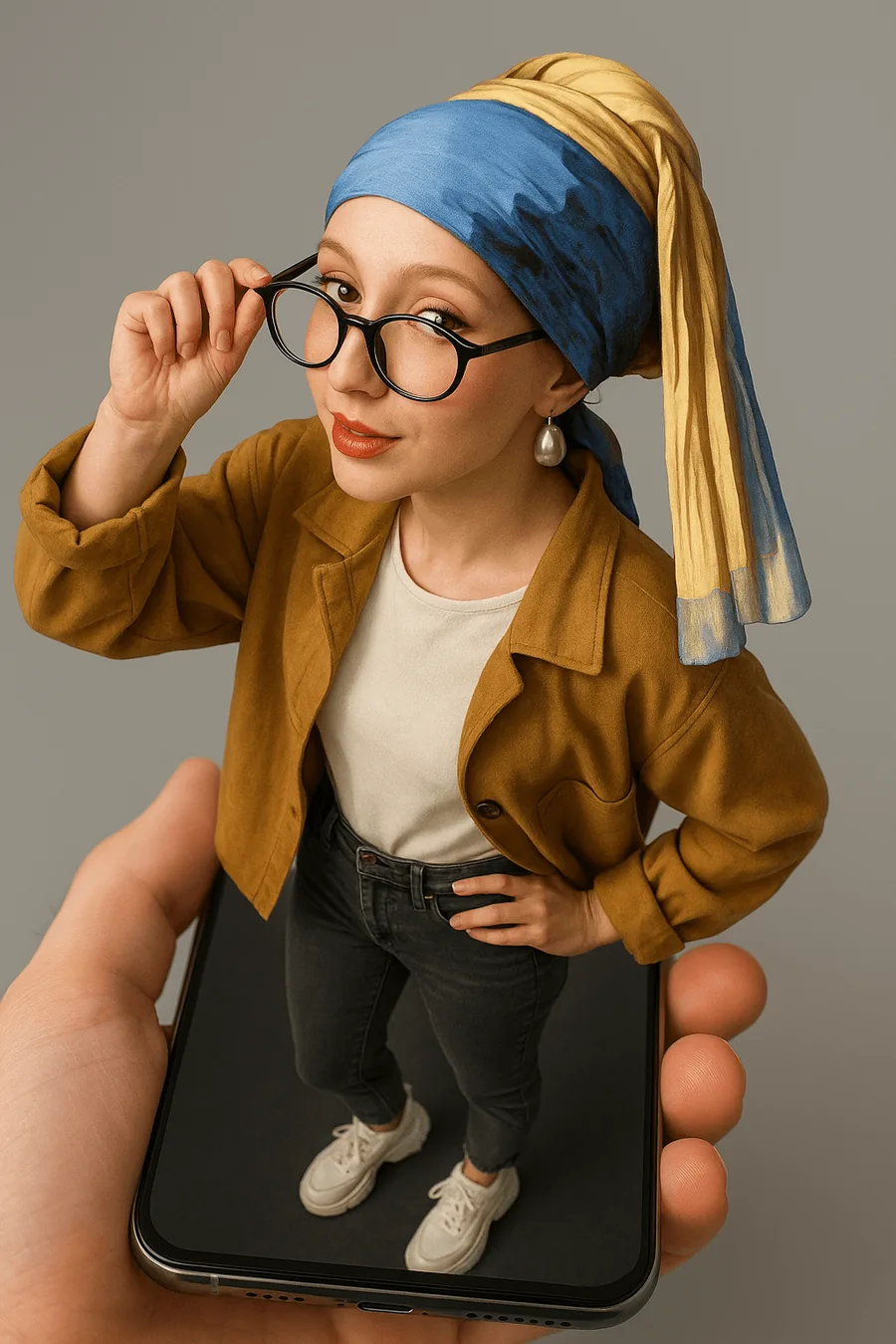
Explore image and motion references, make a first frame, then take the idea further in the matching Soutine workflow.


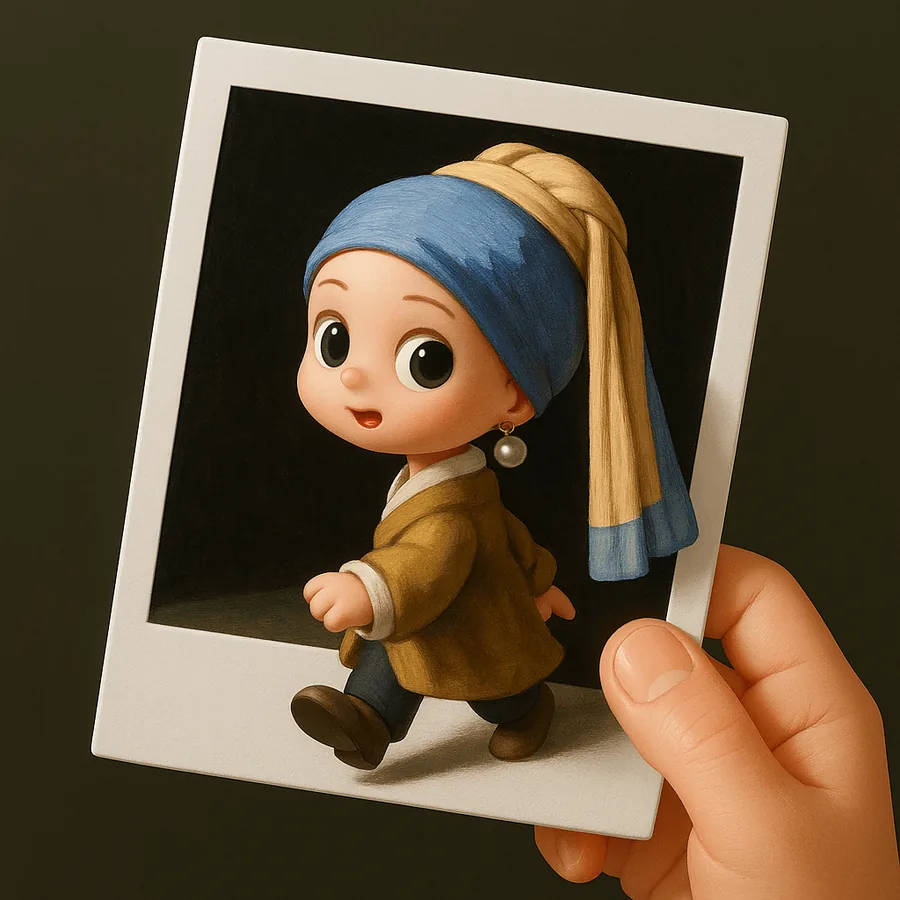



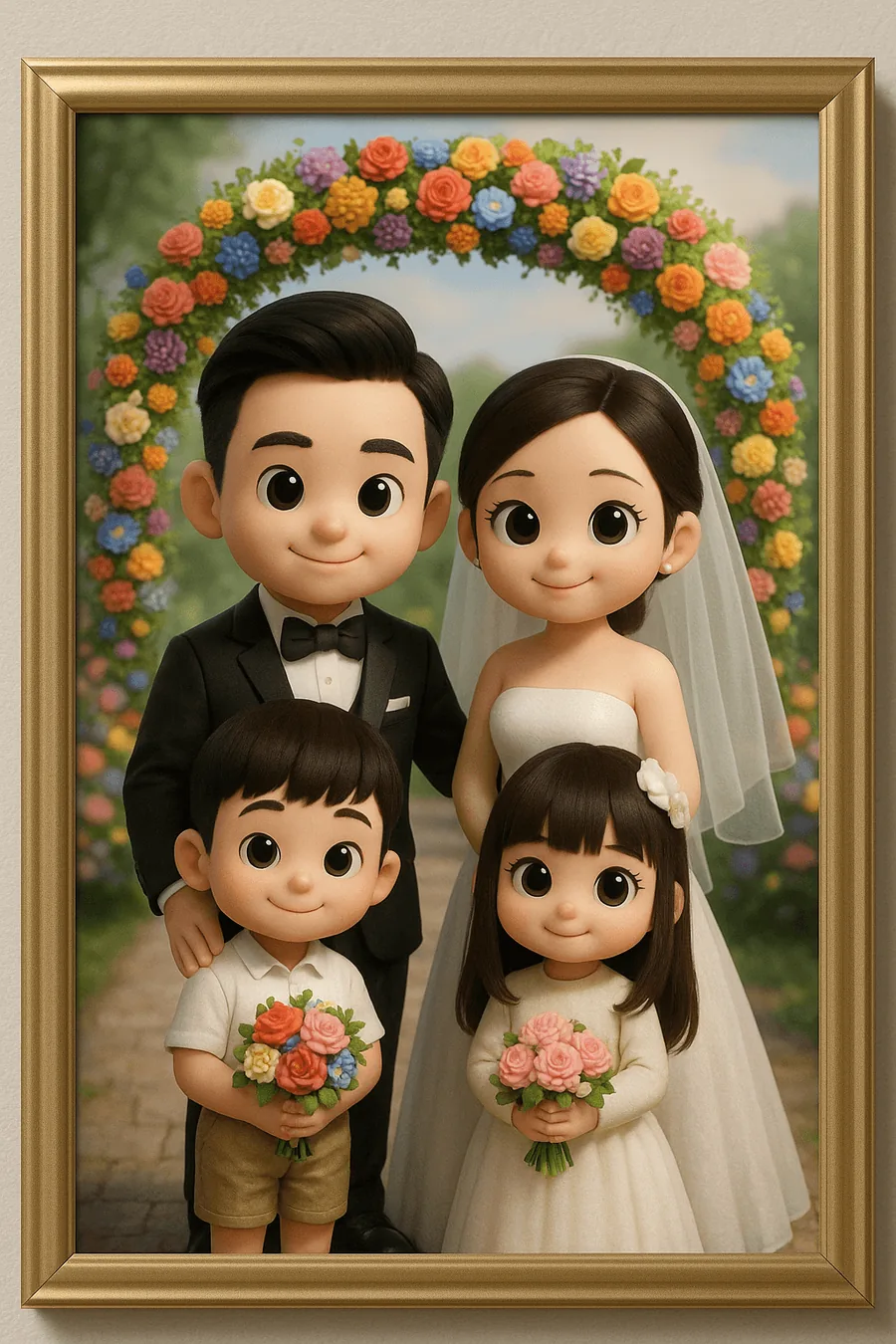



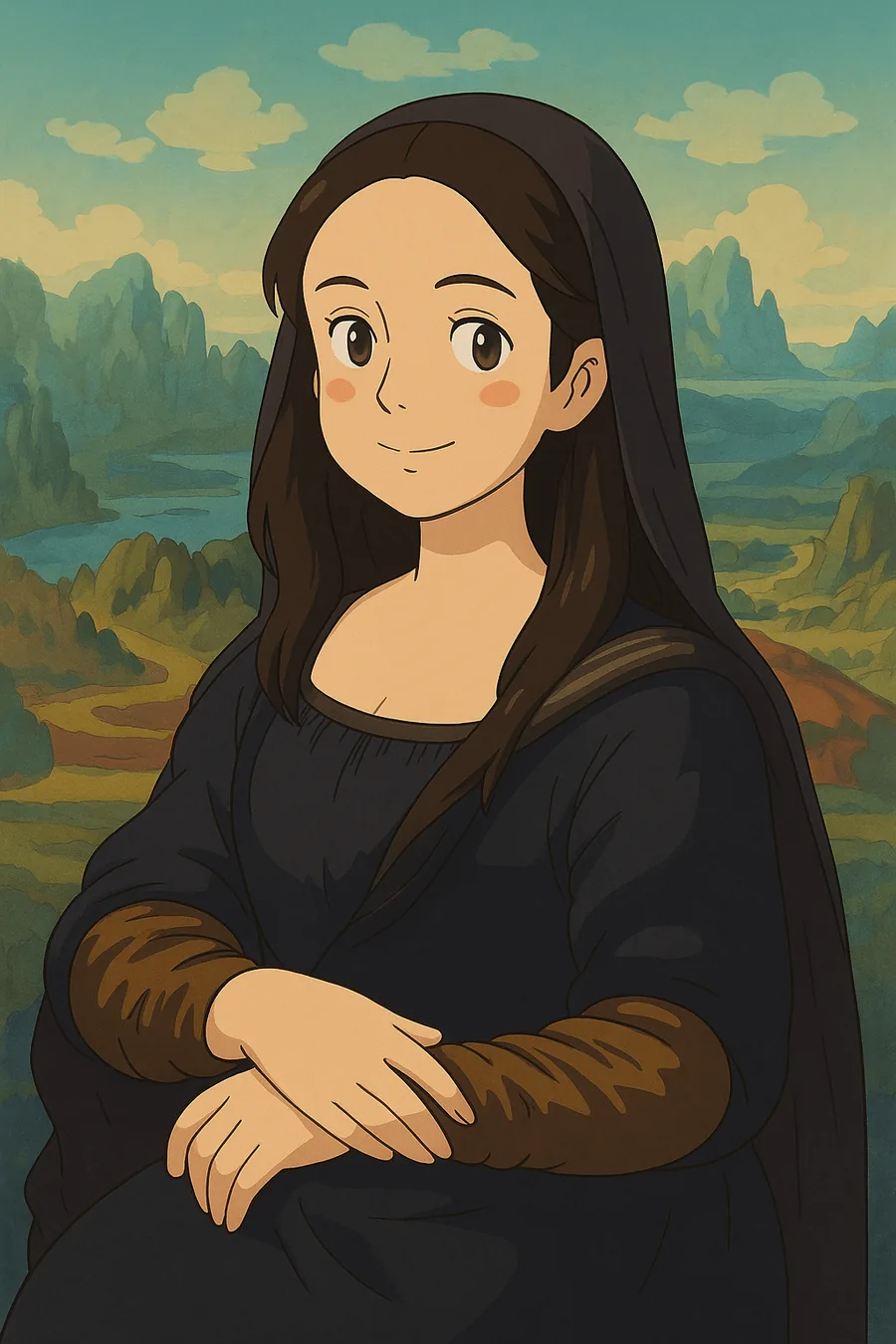




SOUTINE WORKFLOWS
Start with a prompt, a reference, or a frame
Each workflow shares models, credits, and history, so you can move from image to motion without starting over.



HOW IT WORKS
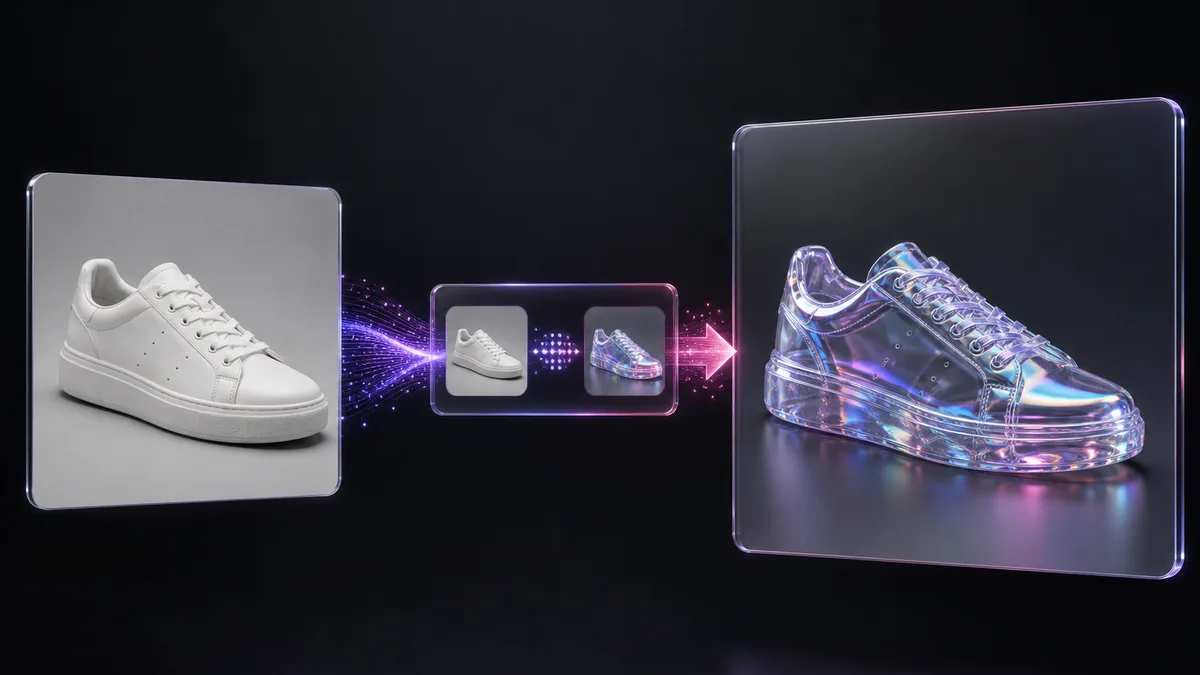
From an idea to a first frame — and beyond
Soutine keeps the controls focused and shows the models available for the task.
01
Describe or upload
Write what you want to make, or add one or more reference images when the selected model supports them.
02
Choose a model for the task
Select from the compatible models available for this workflow. Soutine updates settings and image limits for the model you choose.
03
Generate and take it further
Create the task, follow it in shared history, then download, refine, upscale, or use the result to begin a related workflow.
Pricing
Generate images, videos, music and voiceovers. Start free, upgrade when you're ready — cancel anytime.
FAQ
Questions before you create
The essentials about models, uploads, credits, and where your tasks go.
MAKE THE FIRST FRAME
Make the first frame. Then take it further with Soutine.
Start with a prompt or reference image, choose an available model, and keep building in one workspace. Get 6 registration credits when the current offer is enabled.
Compatible models for each task Shared workspace history No card required to start